

How to Print Your Own Canva or AI Design Professionally
Last Updated: August 2026
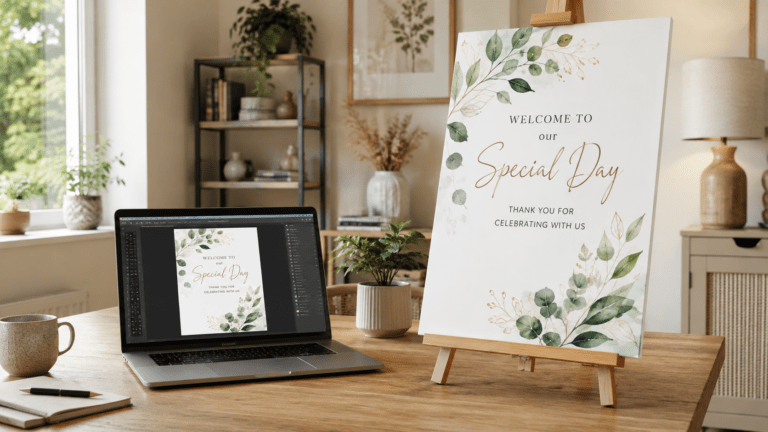
Creating your own artwork has never been easier. You might have designed a wedding welcome sign in Canva, created an image using ChatGPT or another AI tool, or put together something completely from scratch in professional design software.
But once you want to turn that design into a large printed sign, there are a few things worth checking first.
A design that looks perfect on your phone or computer screen isn’t necessarily ready to be enlarged to A2 or A1. The dimensions, proportions and quality of the original file can all affect how the finished print looks.
This guide explains what to check before having your own design professionally printed, including the best file setup, choosing the correct size and what to do if you’re unsure whether your artwork is print-ready.
Already have your design ready? Upload your own design for custom foam board printing.
Can you get a Canva design professionally printed?
Yes. Artwork created in Canva can be professionally printed, including as larger signs and display boards. If you’re searching for how to print Canva design files professionally, the most important thing is making sure the finished artwork is suitable for the size you want to print.
For example, a design intended for an A5 print has far less surface area to cover than an A1 sign. If the original artwork or images within it are too small or low quality, enlarging them can result in a softer or pixelated print.
Ideally, you should decide your finished print size before you start designing and create your Canva document using the correct dimensions from the beginning.
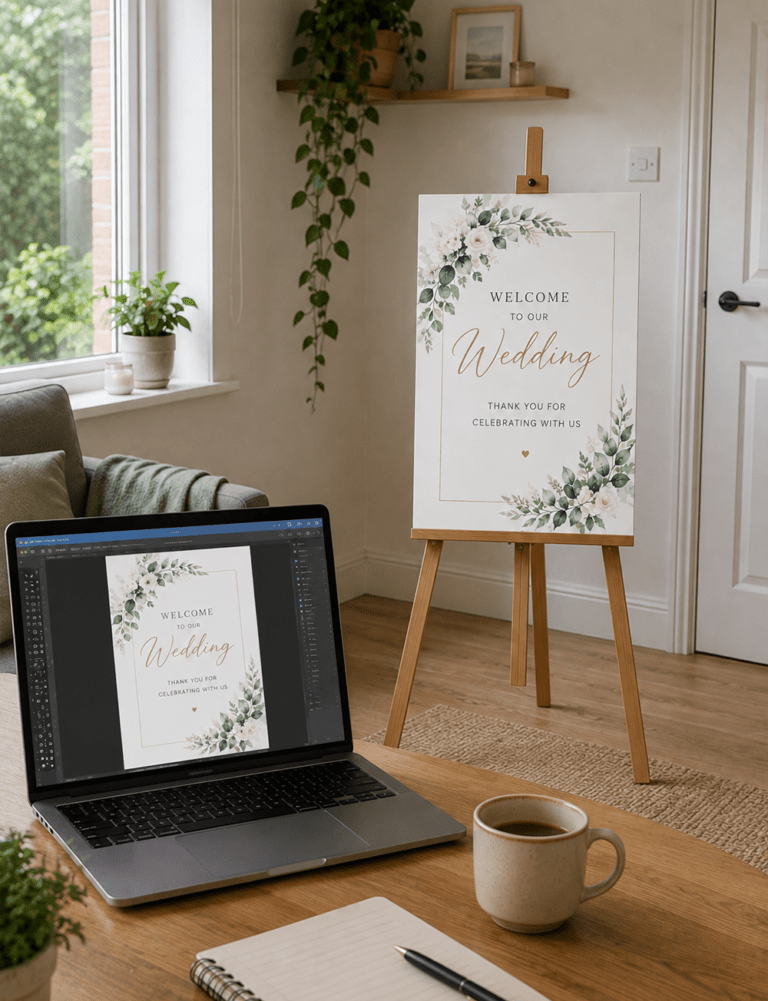
What size should I make my Canva design for printing?
For the best results, create your artwork at the same proportions as the finished board.
The standard A sizes are:
| Print size | Finished dimensions |
|---|---|
| A5 | 148 × 210 mm |
| A4 | 210 × 297 mm |
| A3 | 297 × 420 mm |
| A2 | 420 × 594 mm |
| A1 | 594 × 841 mm |
Why does my Canva design look blurry when printed?
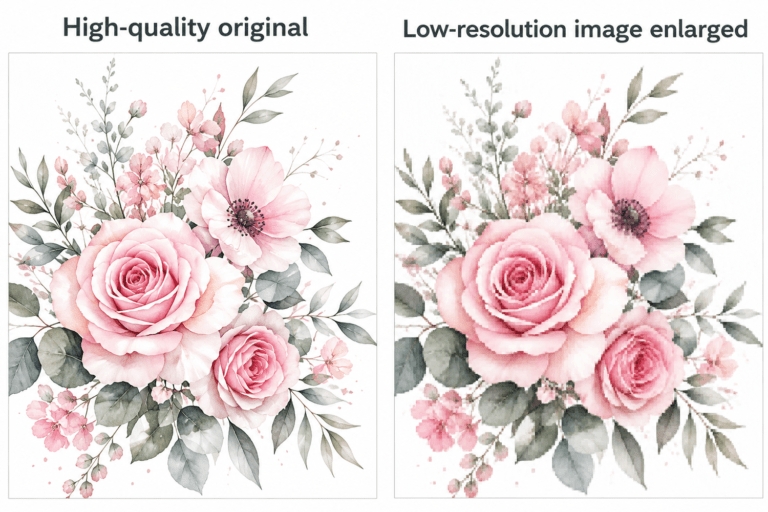
Screens and printed signs work very differently.
Your phone, tablet or computer can make an image look beautifully sharp even when the file itself doesn’t contain enough detail to reproduce clearly at a much larger physical size.
This is why a photograph or graphic can look perfectly good in Canva but become noticeably softer or pixelated when enlarged.
One of the biggest mistakes is taking a small image and simply increasing its dimensions. Making the file physically larger doesn’t necessarily create the additional image detail needed for a sharp large-format print.
The quality of the individual images you’ve used matters too. Even if your Canva document itself is the correct size, a small photograph, logo or graphic placed within the design can still cause problems when printed.
If you’re planning an A1 or A2 board, it’s particularly important to start with the best-quality images available.
What's the best file type for printing a Canva design?
When you’ve finished your Canva design, the way you download it matters.
For professionally printed artwork, a high-quality PDF intended for print is usually the best option where available. Depending on the artwork and printing service, a high-resolution PNG may also be suitable.
Avoid repeatedly saving or compressing your artwork before uploading it, as compression can reduce image quality.
You should also check that:
- your artwork is the correct size and orientation;
- important text and design elements aren’t positioned too close to the edge;
- photographs and graphics are good quality;
- nothing has accidentally moved or disappeared during export;
- the exported file looks the way you expect it to.
For the specifications required when ordering from Blue Nellie, see our artwork guidelines before uploading your design.
Can you print a ChatGPT or other AI-generated image?
Yes, AI-generated artwork can potentially be professionally printed just like other digital artwork.
You may have created an image using ChatGPT or another AI image generator and want to turn it into a wedding sign, birthday display, piece of event signage or another large printed board.
The important question isn’t simply whether the image was made using AI. It’s whether the resulting file is suitable for the finished print size.
AI-generated images can sometimes present particular challenges because their dimensions and proportions may have been determined when the image was generated rather than specifically created for an A-series print size.
That doesn’t automatically mean the image can’t be printed. It simply means it should be checked before sending it straight to production.
Why are AI images sometimes the wrong size for printing?
One of the most common issues is aspect ratio.
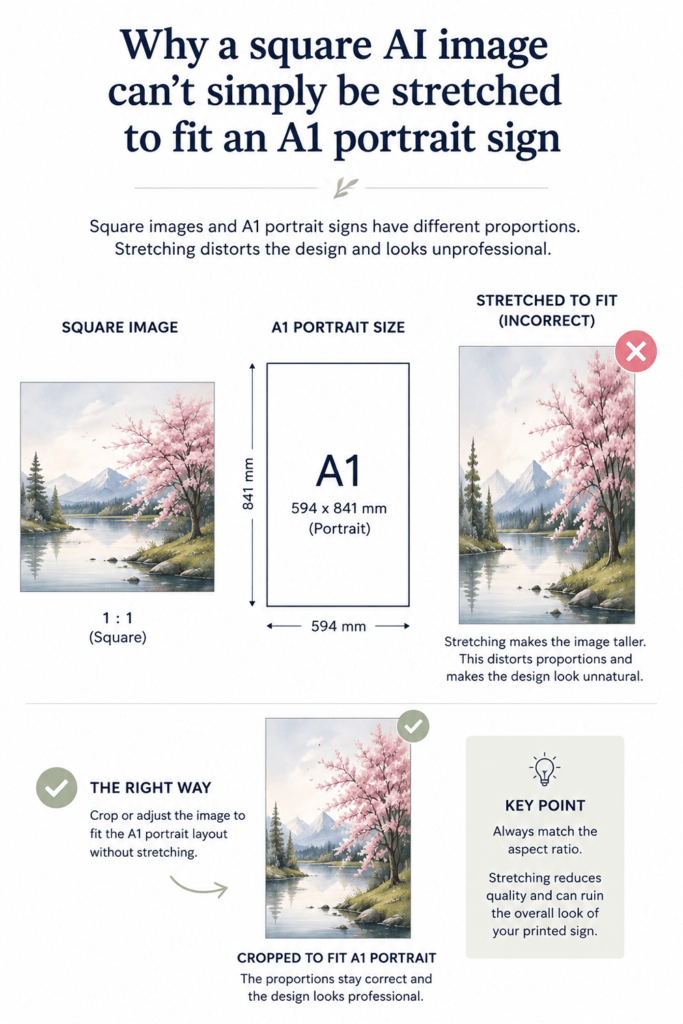
Aspect ratio describes the relationship between the width and height of an image. A square AI image, for example, has completely different proportions from an A1 portrait sign.
If you try to force a square image into a tall rectangular space, something has to happen. It would either need to be:
- cropped;
- distorted;
- repositioned within the available space; or
- adjusted so that the artwork works with the new proportions.
Simply stretching it isn’t a good solution because everything within the image becomes distorted.
This is why it’s useful to know the intended print size and orientation when creating your image in the first place. If your chosen AI tool allows you to specify an aspect ratio or orientation, choose one that’s as close as possible to your intended finished design.
Can I turn my design into an A1, A2 or A3 sign?
Yes. Your own artwork can be printed onto foam board in sizes ranging from smaller display signs through to large A1 boards, provided the file is suitable for the size you’ve chosen. Large foam board signs can be used for all sorts of occasions, including:
- wedding welcome signs and seating plans;
- birthday and anniversary displays;
- baby showers and parties;
- event signage;
- business displays and promotional signage;
- photographs and decorative displays.
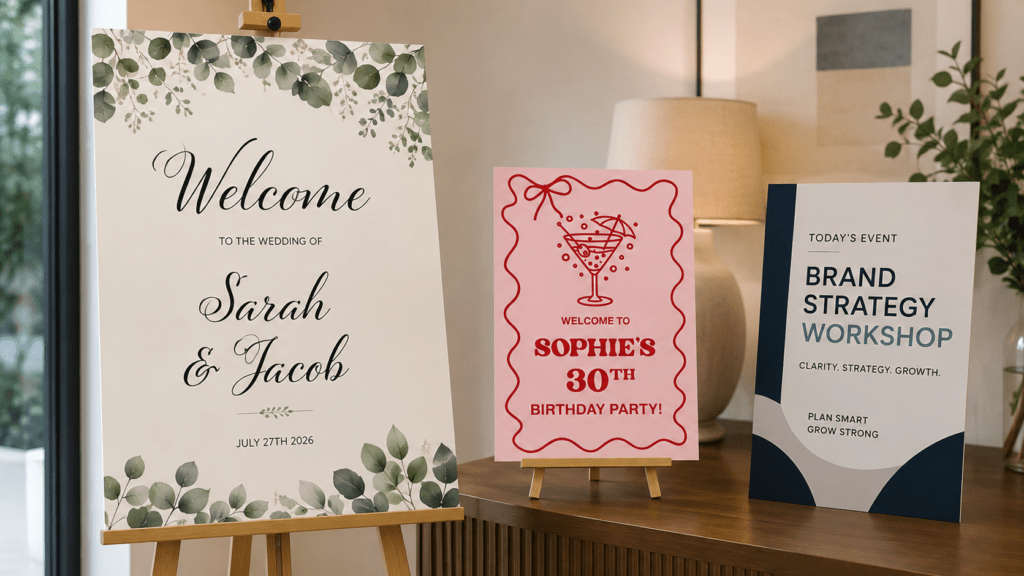
Foam board has a smooth matte printed surface and is lightweight, making it particularly useful for indoor events and displays.
If your sign needs to be used outdoors, acrylic may be a better choice. Selected sizes are also available printed onto acrylic through our custom printing service.
What if I'm not sure my artwork is print-ready?
You don’t have to be an expert in print preparation to order your own design.
If you’re unsure whether your file is suitable, you can add an artwork check for £5 when ordering through Blue Nellie.
We’ll review your file before production, checking the resolution, proportions, sizing and overall print quality. If anything needs adjusting to make your artwork suitable for print, we’ll contact you and work with you to get it ready before anything is printed.
If you’re comfortable preparing your own print-ready artwork, you can simply upload your design when ordering.
You can also check our artwork guidelines beforehand for information on preparing your file correctly.
Where can I get my Canva or AI design printed?
If you’ve created something you love and now want to turn it into a professionally printed sign, you can upload your own artwork directly to Blue Nellie.
Our Print Your Own Design service uses high-resolution UV printing onto white foam board, with a choice of sizes and thicknesses. Selected sizes can also be ordered in acrylic.
Simply choose your size and material, upload your artwork and select whether you’d like an artwork check before production.
Frequently Asked Questions
Can you print Canva designs professionally?
Yes. Canva designs can be professionally printed provided the exported artwork has suitable dimensions, proportions and image quality for the required print size.
Can I print an AI-generated image on an A1 board?
Potentially, yes. The image needs to have suitable proportions and sufficient quality for enlargement to A1. If you're unsure, an artwork check can identify potential issues before production.
What resolution does my design need to be for printing?
The required image quality depends partly on the physical size at which the artwork will be printed. Rather than relying solely on how sharp an image looks on screen, check the actual dimensions and quality of your artwork. Our artwork guidelines provide further information about preparing your file.
Why does my Canva design look blurry?
This can happen when an image used within the design doesn't contain enough detail for the size at which it's being displayed or printed. Enlarging a small or compressed image can make the loss of detail much more noticeable.
What happens if my artwork isn't suitable for printing?
If you've selected an artwork check, we'll review your file before production. If we find an issue with its resolution, sizing, proportions or overall print quality, we'll contact you and work with you to get it ready before anything is printed.
Can I upload artwork created somewhere other than Canva?
Absolutely. Your artwork doesn't have to be created in Canva or with AI. You can upload artwork created using professional design software or another design tool, provided the finished file meets the artwork requirements.
Ready to Turn Your Design Into Print?
Creating your own artwork in Canva, ChatGPT or another design tool gives you far more freedom over how your finished sign looks, but the file still needs to be suitable for the size and material you want to print.
Checking the proportions, image quality and final dimensions before production can help avoid problems such as cropping, distortion or a blurry finish on larger A1 and A2 boards.
If you already have your design ready, you can upload it directly through our Print Your Own Design service and choose an artwork check if you’d like us to review the file before it goes to print. Print Your Own Design on Foam Board or Acrylic →
 https://m.me/bluenellie
